MCP Server for MySQL

Sponsor — Bloome
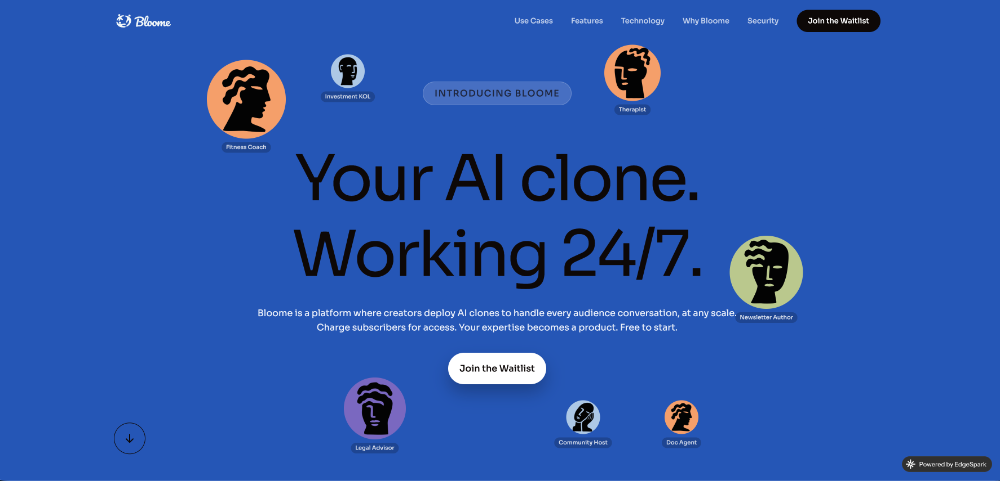
Using mcp-server-mysql to let your AI query MySQL? Bloome brings that to your whole team — an AI-agent IM platform where AI agents are members of the chat. Connect your MCP tools and have agents inspect schemas, run queries, and answer data questions for everyone in one thread. Zero local setup, runs in the cloud, on web and mobile.
MCP server that gives Claude and other LLMs access to MySQL — inspect schemas, run queries, and optionally write data, all through the Model Context Protocol.
Key Features
- Read-only by default — write operations opt-in via env flags
- Claude Code integration — optimized for Anthropic's Claude Code CLI
- SSH tunnel support — built-in support for remote databases
- Multi-DB mode — query across multiple databases without reconnecting
- Schema-specific permissions — per-database read/write control
- PII redaction — automatic masking of sensitive data in results
- Remote mode — HTTP transport with bearer token auth
- SSL/TLS support — encrypted connections with mTLS option
Requirements
- Node.js v20+
- MySQL 5.7+ (8.0+ recommended)
- MySQL user with appropriate privileges
Quick Install
Claude Code (simplest):
claude mcp add mcp_server_mysql \
  -e MYSQL_HOST="127.0.0.1" \
  -e MYSQL_PORT="3306" \
  -e MYSQL_USER="root" \
  -e MYSQL_PASS="your_password" \
  -e MYSQL_DB="your_database" \
-- npx @benborla29/mcp-server-mysqlClaude Desktop / other clients:
{
  "mcpServers": {
    "mcp_server_mysql": {
      "command": "npx",
      "args": ["-y", "@benborla29/mcp-server-mysql"],
      "env": {
        "MYSQL_HOST": "127.0.0.1",
        "MYSQL_PORT": "3306",
        "MYSQL_USER": "root",
        "MYSQL_PASS": "your_password",
        "MYSQL_DB": "your_database"
      }
    }
  }
}All write operations are disabled by default. Enable with ALLOW_INSERT_OPERATION=true, ALLOW_UPDATE_OPERATION=true, ALLOW_DELETE_OPERATION=true.
Documentation
- Installation Guide — Smithery, Cursor, Codex, Claude Code, local repo, remote mode
- Configuration & Environment Variables — all env vars, advanced config
- Multi-DB Mode — querying multiple databases
- PII Redaction — automatic data masking
- Testing — test setup and running
- Troubleshooting — common issues and fixes
- Changelog
Tools & Resources
Tool: mysql_query
Execute SQL queries. Read-only by default. Write operations enabled per flag.
Resources: mysql://tables
Lists all tables and column metadata for the connected database.
Contributing
PRs welcome at github.com/benborla/mcp-server-mysql.
git clone https://github.com/benborla/mcp-server-mysql.git
pnpm install
pnpm run build
pnpm testLicense
MIT — see LICENSE for details.