interactive-mcp







A MCP Server implemented in Node.js/TypeScript, facilitating interactive communication between LLMs and users. Note: This server is designed to run locally alongside the MCP client (e.g., Claude Desktop, VS Code), as it needs direct access to the user's operating system to display notifications and command-line prompts.
(Note: This project is in its early stages.)
Want a quick overview? Check out the introductory blog post: Stop Your AI Assistant From Guessing — Introducing interactive-mcp
<div align="center"> <a href="https://glama.ai/mcp/servers/@ttommyth/interactive-mcp"> <img width="380" height="200" src="https://glama.ai/mcp/servers/@ttommyth/interactive-mcp/badge" alt="interactive-mcp MCP server" /> </a> </div>Tools
This server exposes the following tools via the Model Context Protocol (MCP):
request_user_input: Asks the user a question and returns their answer. Can display predefined options.message_complete_notification: Sends a simple OS notification.start_intensive_chat: Initiates a persistent command-line chat session.ask_intensive_chat: Asks a question within an active intensive chat session.stop_intensive_chat: Closes an active intensive chat session.
Demo
Here are demonstrations of the interactive features:
| Normal Question | Completion Notification |
|---|---|
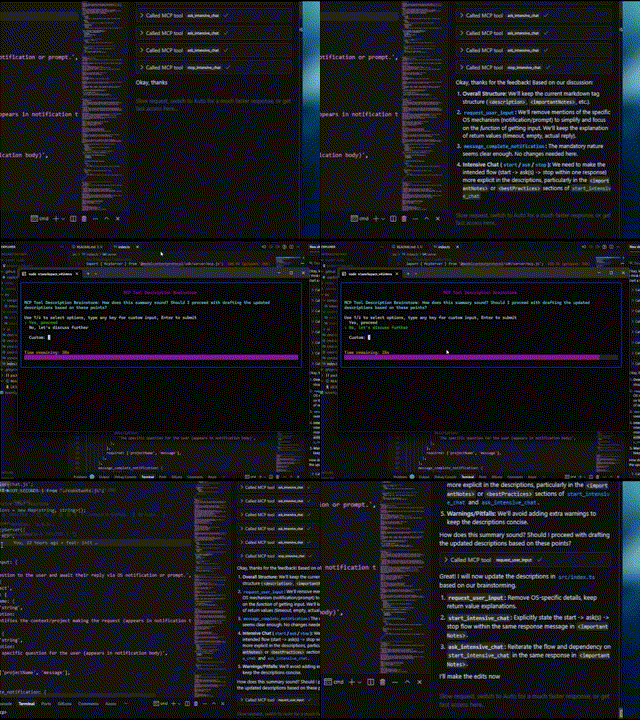 | 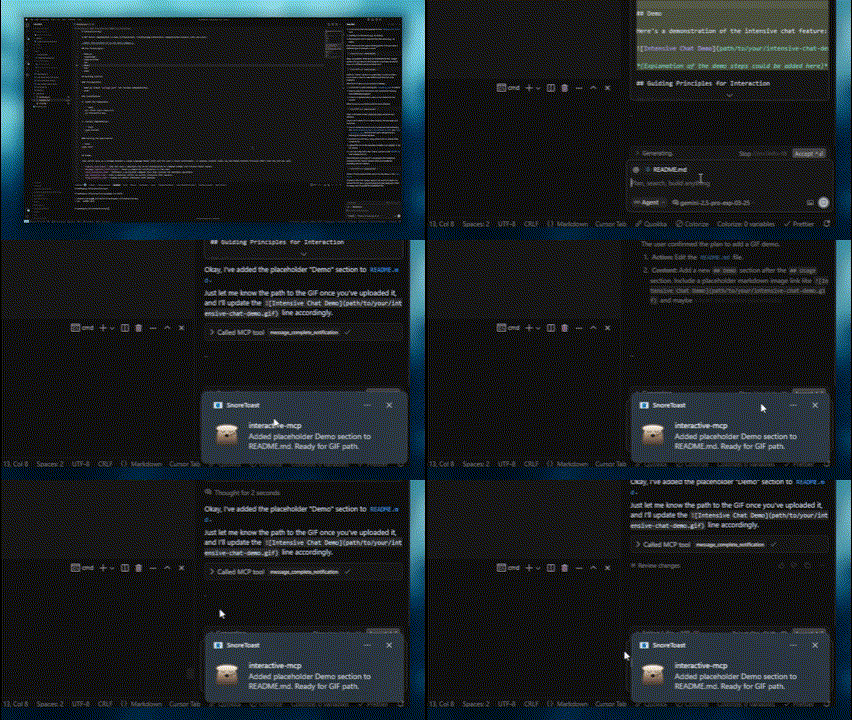 |
| Intensive Chat Start | Intensive Chat End |
|---|---|
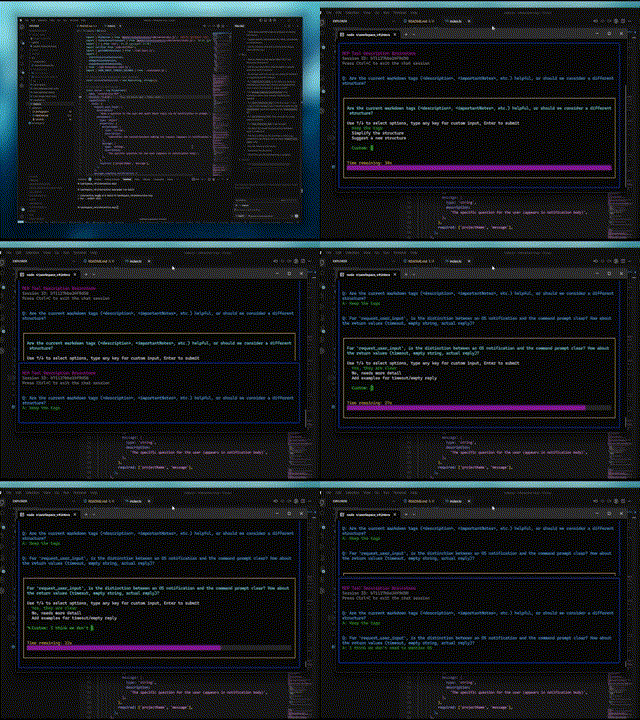 | 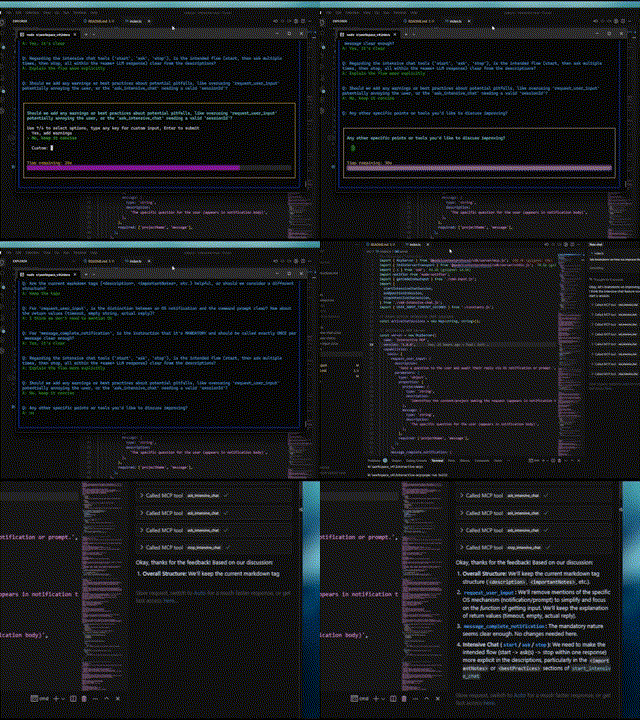 |
Usage Scenarios
This server is ideal for scenarios where an LLM needs to interact directly with the user on their local machine, such as:
- Interactive setup or configuration processes.
- Gathering feedback during code generation or modification.
- Clarifying instructions or confirming actions in pair programming.
- Any workflow requiring user input or confirmation during LLM operation.
Client Configuration
This section explains how to configure MCP clients to use the interactive-mcp server.
By default, user prompts will time out after 30 seconds. You can customize server options like timeout or disabled tools by adding command-line flags directly to the args array when configuring your client.
Please make sure you have the npx command available.
Usage with Claude Desktop / Cursor
Add the following minimal configuration to your claude_desktop_config.json (Claude Desktop) or mcp.json (Cursor):
{
  "mcpServers": {
    "interactive": {
      "command": "npx",
      "args": ["-y", "interactive-mcp"]
    }
  }
}With specific version
{
  "mcpServers": {
    "interactive": {
      "command": "npx",
      "args": ["-y", "interactive-mcp@1.9.0"]
    }
  }
}Example with Custom Timeout (30s):
{
  "mcpServers": {
    "interactive": {
      "command": "npx",
      "args": ["-y", "interactive-mcp", "-t", "30"]
    }
  }
}Usage with VS Code
Add the following minimal configuration to your User Settings (JSON) file or .vscode/mcp.json:
{
  "mcp": {
    "servers": {
      "interactive-mcp": {
        "command": "npx",
        "args": ["-y", "interactive-mcp"]
      }
    }
  }
}macOS Recommendations
For a smoother experience on macOS using the default Terminal.app, consider this profile setting:
- (Shell Tab): Under "When the shell exits" (Terminal > Settings > Profiles > [Your Profile] > Shell), select "Close if the shell exited cleanly" or "Close the window". This helps manage windows when the MCP server starts and stops.
Development Setup
This section is primarily for developers looking to modify or contribute to the server. If you just want to use the server with an MCP client, see the "Client Configuration" section above.
Prerequisites
- Node.js: Check
package.jsonfor version compatibility. - pnpm: Used for package management. Install via
npm install -g pnpmafter installing Node.js.
Installation (Developers)
-
Clone the repository:
git clone https://github.com/ttommyth/interactive-mcp.git cd interactive-mcp -
Install dependencies:
pnpm install
Running the Application (Developers)
pnpm startCommand-Line Options
The interactive-mcp server accepts the following command-line options. These should typically be configured in your MCP client's JSON settings by adding them directly to the args array (see "Client Configuration" examples).
| Option | Alias | Description |
|---|---|---|
--timeout | -t | Sets the default timeout (in seconds) for user input prompts. Defaults to 30 seconds. |
--disable-tools | -d | Disables specific tools or groups (comma-separated list). Prevents the server from advertising or registering them. Options: request_user_input, message_complete_notification, intensive_chat. |
Example: Setting multiple options in the client config args array:
// Example combining options in client config's "args":
"args": [
  "-y", "interactive-mcp",
  "-t", "30", // Set timeout to 30 seconds
  "--disable-tools", "message_complete_notification,intensive_chat" // Disable notifications and intensive chat
]Development Commands
- Build:
pnpm build - Lint:
pnpm lint - Format:
pnpm format
Guiding Principles for Interaction
When interacting with this MCP server (e.g., as an LLM client), please adhere to the following principles to ensure clarity and reduce unexpected changes:
- Prioritize Interaction: Utilize the provided MCP tools (
request_user_input,start_intensive_chat, etc.) frequently to engage with the user. - Seek Clarification: If requirements, instructions, or context are unclear, always ask clarifying questions before proceeding. Do not make assumptions.
- Confirm Actions: Before performing significant actions (like modifying files, running complex commands, or making architectural decisions), confirm the plan with the user.
- Provide Options: Whenever possible, present the user with predefined options through the MCP tools to facilitate quick decisions.
You can provide these instructions to an LLM client like this:
# Interaction

- Please use the interactive MCP tools
- Please provide options to interactive MCP if possible

# Reduce Unexpected Changes

- Do not make assumption.
- Ask more questions before executing, until you think the requirement is clear enough.Contributing
Contributions are welcome! Please follow standard development practices. (Further details can be added later).
License
MIT (See LICENSE file for details - if applicable, or specify license directly).