membase mcp server
Description
Membase is the first decentralized memory layer for AI agents, powered by Unibase. It provides secure, persistent storage for conversation history, interaction records, and knowledge — ensuring agent continuity, personalization, and traceability.
The Membase-MCP Server enables seamless integration with the Membase protocol, allowing agents to upload and retrieve memory from the Unibase DA network for decentralized, verifiable storage.
Functions
Messages or memoiries can be visit at: https://testnet.hub.membase.io/
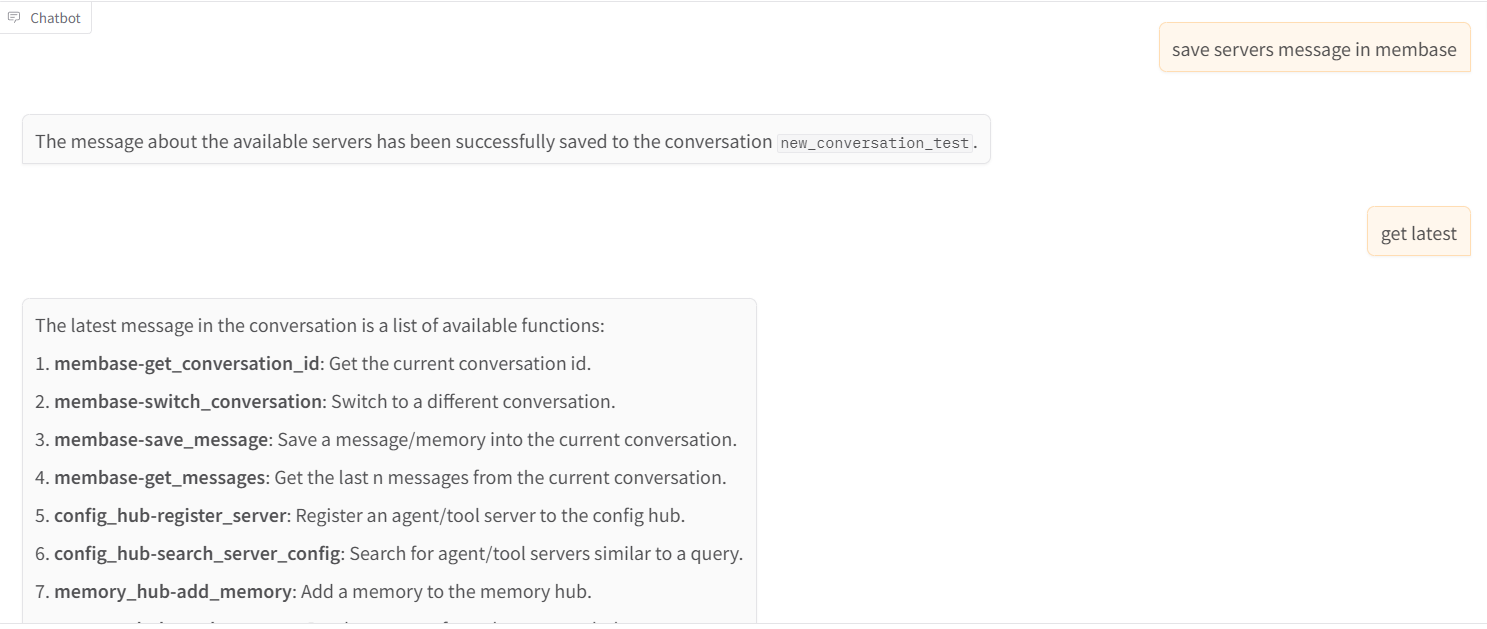
- get_conversation_id: Get the current conversation id.
- switch_conversation: Switch to a different conversation.
- save_message: Save a message/memory into the current conversation.
- get_messages: Get the last n messages from the current conversation.
Installation
git clone https://github.com/unibaseio/membase-mcp.git
cd membase-mcp
uv run src/membase_mcp/server.pyEnvironment variables
- MEMBASE_ACCOUNT: your account to upload
- MEMBASE_CONVERSATION_ID: your conversation id, should be unique, will preload its history
- MEMBASE_ID: your instance id
Configuration on Claude/Windsurf/Cursor/Cline
{
  "mcpServers": {
    "membase": {
      "command": "uv",
      "args": [
        "--directory",
        "path/to/membase-mcp",
        "run",
        "src/membase_mcp/server.py"
      ],
      "env": {
        "MEMBASE_ACCOUNT": "your account, 0x...",
        "MEMBASE_CONVERSATION_ID": "your conversation id, should be unique",
        "MEMBASE_ID": "your sub account, any string"
      }
    }
  }
}Usage
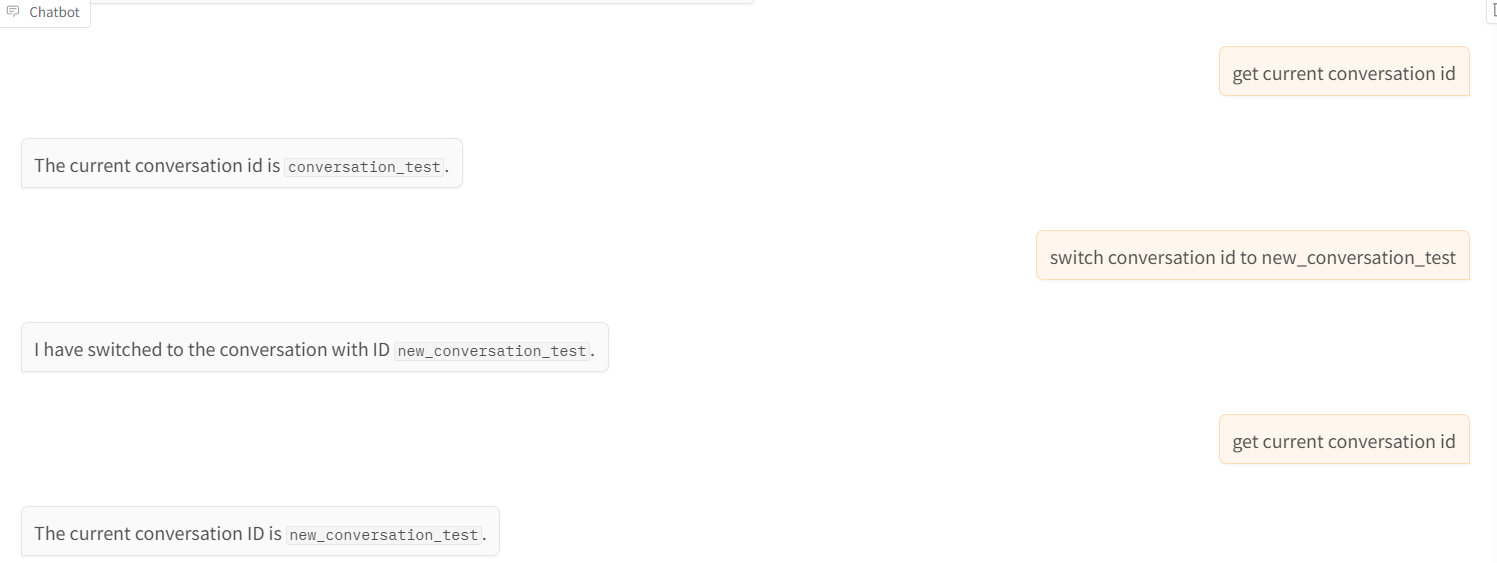
call functions in llm chat
- get conversation id and switch conversation
- save message and get messages