




Zapier MCP Plugin Distribution
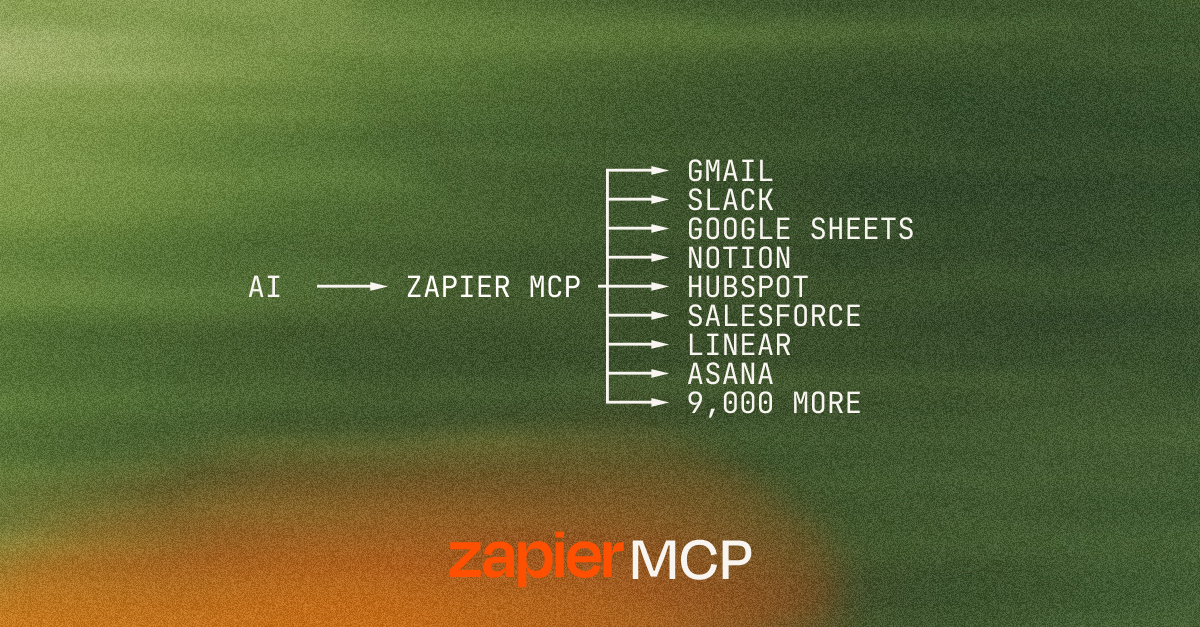
Zapier MCP gives any MCP-compatible AI client governed access to 9,000+ apps — send messages, pull data, trigger workflows, all in plain English. No code, no infrastructure, SOC 2 Type II certified. ⚡
This repo distributes the Zapier MCP plugin — the part that lives in your AI client. Install it from your client's marketplace and your assistant arrives knowing how to use Zapier well, with guided onboarding, a quick demo, and skills tailored to your role.
What's in this repo
plugins/zapier/: the plugin that onboards you to Zapier MCP and supercharges your experience
Getting started
Connecting Zapier MCP to your AI client only takes a server URL — see docs.zapier.com/mcp/clients for step-by-step instructions for every supported client.
A few clients also install the plugin distributed from this repo, which layers guided onboarding, a first-use demo, and role-tailored skills on top of that base connection:
- Claude Code: add
zapier/marketplaceoranthropics/claude-plugins-official - Cursor: use the badge above, or add
cursor/mcp-servers - OpenAI Codex and GitHub Copilot CLI: add
zapier/marketplace - Claude Cowork: add
anthropics/knowledge-work-plugins - Kiro: via kiro.dev/powers
- Gemini CLI:
gemini extensions install https://github.com/zapier/zapier-mcp, then/mcp auth zapier— seegemini-extension.json
VS Code connects directly to the hosted MCP server rather than through a plugin — use the badge above, or add https://mcp.zapier.com/api/v1/connect (type: http) manually.
Third-party registries
Zapier MCP is also listed on:
For contributors
- AGENTS.md: guide for AI agents working in this repo
- CONTRIBUTING.md: how to contribute
- llms.txt: LLM discovery index